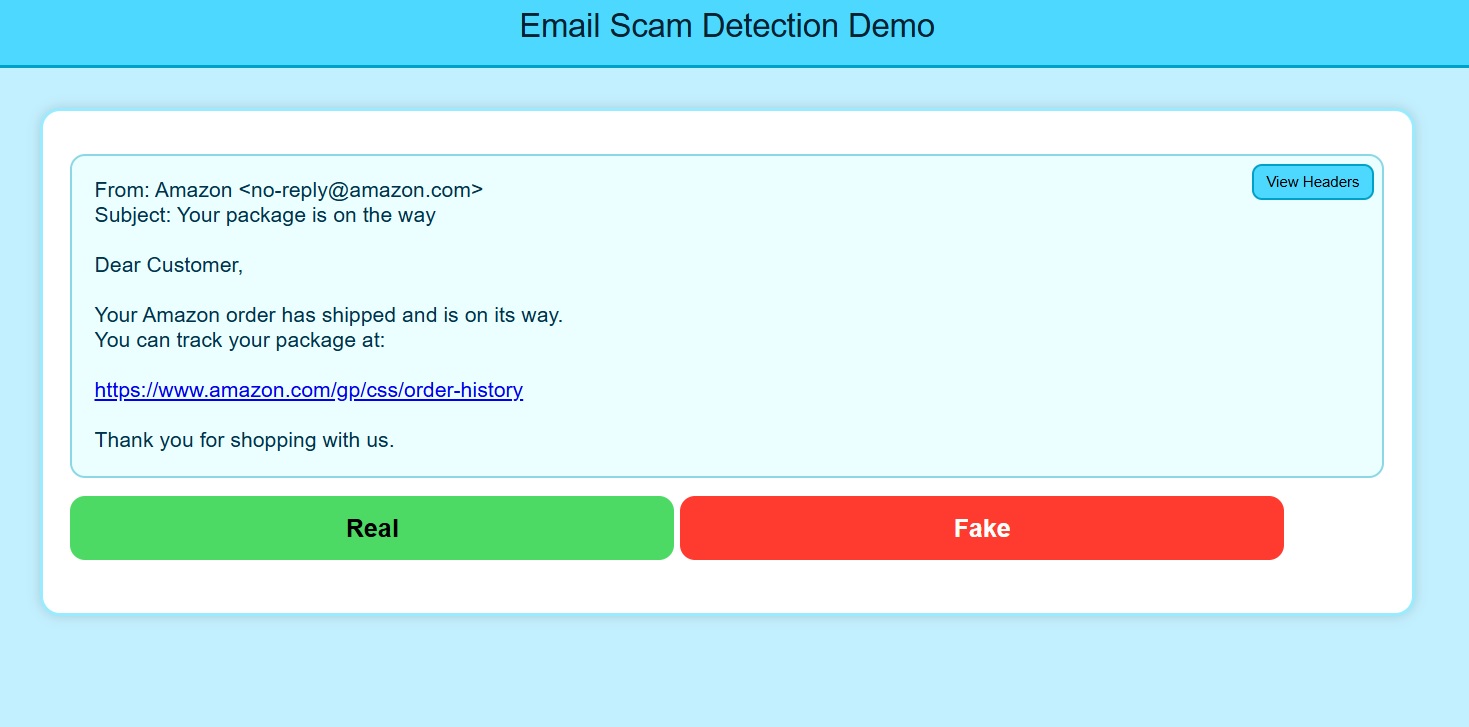
Email Scam Spotter
Inspect suspicious emails, sender clues, links, headers, and phishing patterns before a bad click becomes a breach.
PlayScams exploit human trust, pressure, and mistakes. A convincing message can prompt someone to send money, disclose sensitive data, or give an attacker access—even when security tools are in place.
Keep staff, employees, and students prepared for evolving AI-assisted scams. Impersonation can arrive through email, texts, images, videos, phone calls, voice messages, and video calls. Polished language or a familiar-looking face or voice is not enough to establish trust.
Schools, businesses, charities, and government teams need up-to-date practice recognizing suspicious requests, checking evidence, and verifying identities through trusted channels before they click, pay, or share information.
Protect your money, data, organizational integrity, and people's safety. Combine interactive awareness training with EmailKnight's email-analysis tool to inspect sender details, header evidence, and authentication clues—and understand the warning signs behind a suspicious message.
EmailKnight gives learners a structured way to slow down, inspect evidence, and practice defensive email analysis.
As AI-assisted email spoofs become more sophisticated, users need more than a quick glance at the sender name. EmailKnight helps analyze suspicious email headers beyond standard checks such as SPF, DKIM, and DMARC, including sender identity, message structure, mail server clues, and header-level spoofing patterns.
It is designed to help users decide whether a message is likely real, suspicious, or spam while learning the logic behind the decision.
EmailKnight can be used as a local analysis workflow for pasted or saved header data, reducing dependence on browser-extension overlays or cloud-upload tools.
That does not make any tool impossible to bypass, but it helps keep analysis under the learner's control and makes page-level tricks less relevant to the review process.
EmailKnight was developed through Professor Gurmeet Singh's work on AI-assisted impersonation and defensive email analysis. Read the publications and graduate thesis for research context.

EmailKnight: a defensive tool for emerging AI-assisted spoofs.
Use EmailKnight to practice header review, authentication checks, and suspicious-message analysis.
Limited browser beta preview. The newer desktop evaluation build includes additional local AI media and document checks that are not available in this embedded demo.
If the embedded demo does not fit your screen, open it directly. Open Browser Beta Demo
Free browser activities that challenge learners to recognize email spoofs, text scams, and AI impersonation cues.
Inspect suspicious emails, sender clues, links, headers, and phishing patterns before a bad click becomes a breach.
Play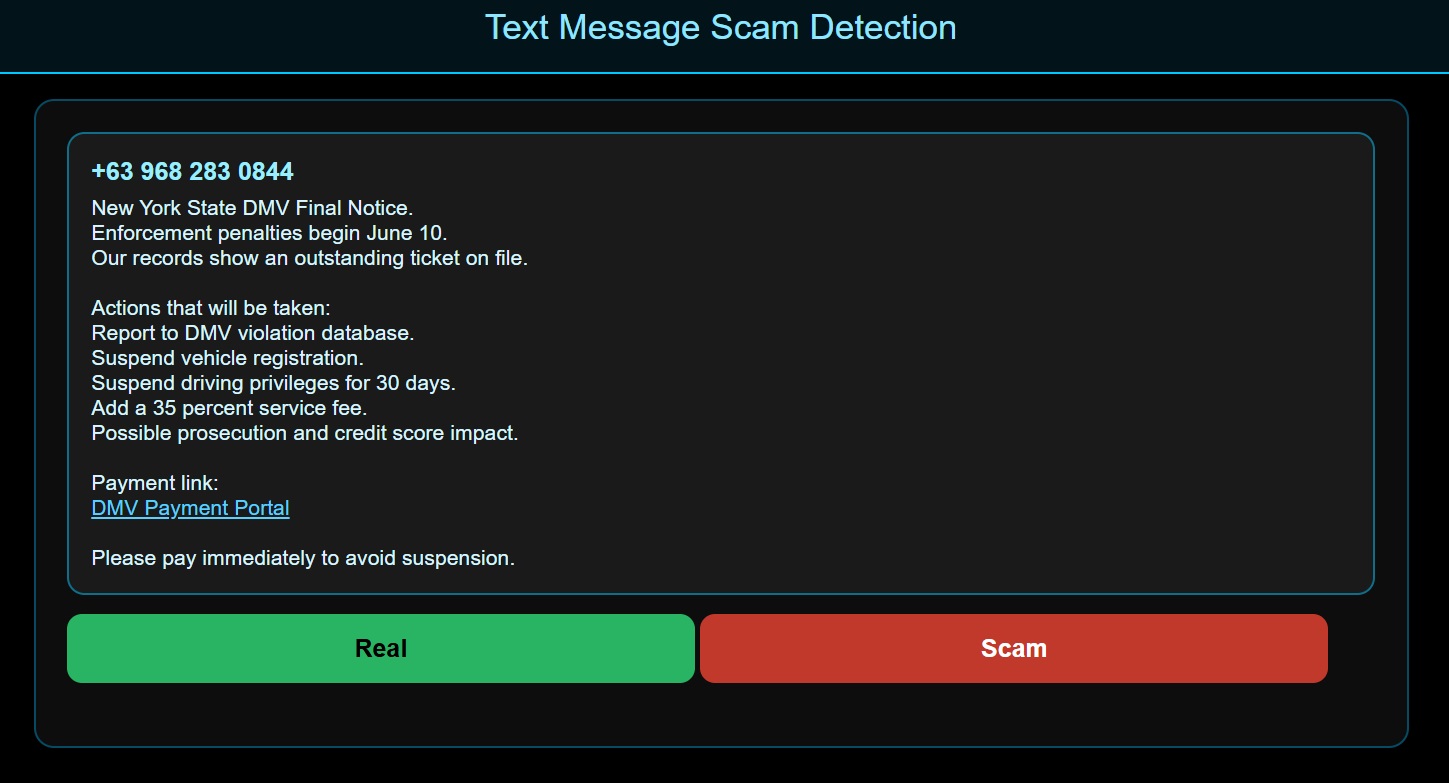
Practice identifying smishing lures, fake alerts, urgent payment tricks, and risky message links. Build the habit of slowing down before responding to an unexpected text.
Play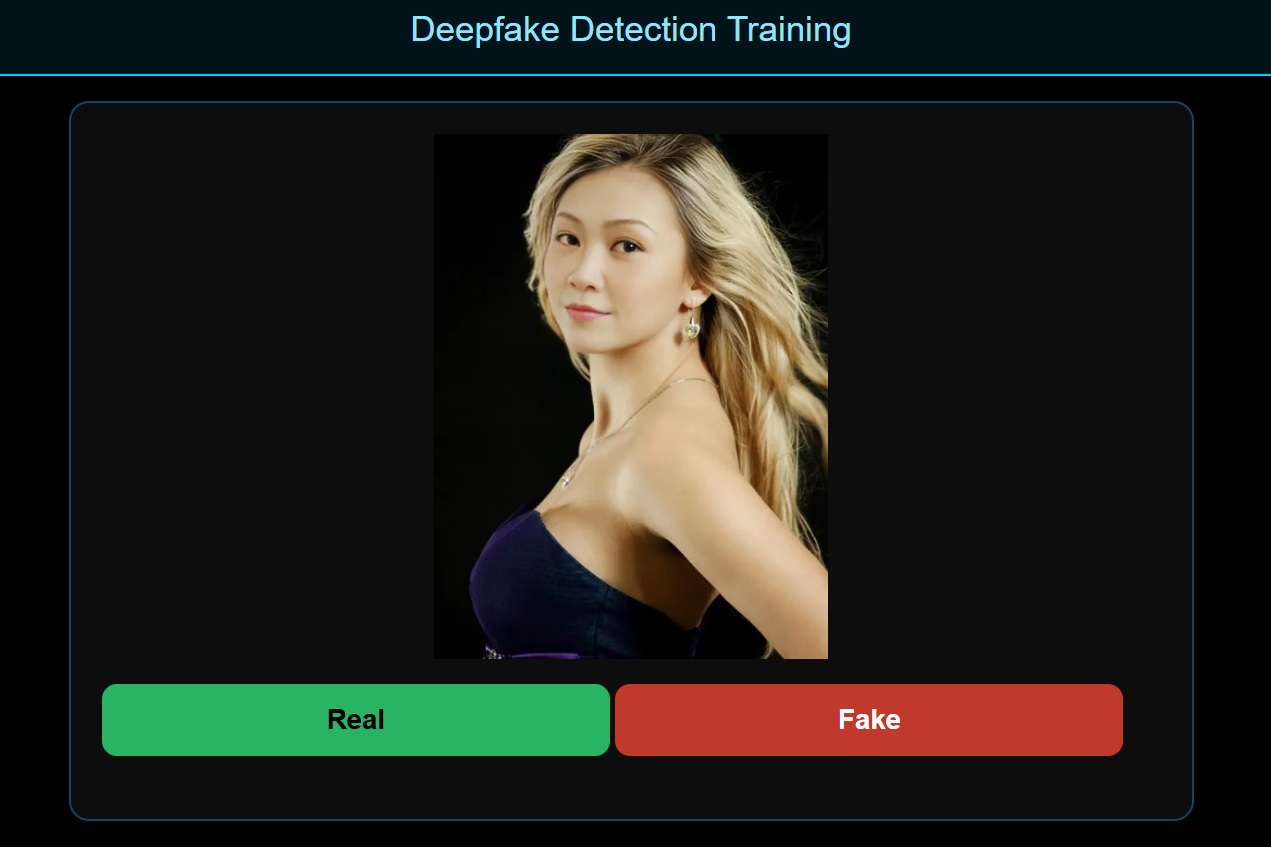
Test your ability to spot AI-generated impersonation cues across faces, voices, and synthetic media.
PlayEmailKnight supports training around both technical header evidence and human-layer spoofing judgment.
Inspect routing clues, server names, message IDs, and sender-path mismatches.
Practice interpreting SPF, DKIM, DMARC, alignment, and pass/fail context.
Look beyond polished language and evaluate impersonation pressure, timing, and trust cues.
Use explanations to understand why a message appears real, suspicious, or malicious.
Tell us about your class, department, workforce program, or organization and we will follow up about training, EmailKnight access, licensing, and deployment options.
Contact information is used to respond to purchase, licensing, support, or custom training questions. CyberGLA does not sell inquiry information.
CyberGLA simulations, quizzes, and examples are for cybersecurity education and awareness training. They do not guarantee security outcomes and are not instructions to attack real systems.